
Independent discovery board

Find the right
starting point.

A visual PikoBuy spreadsheet experience for browsing preview records, checking category cues and reviewing QC references—without sending your search away from this subsite.

Search opens the matching page inside this subsite
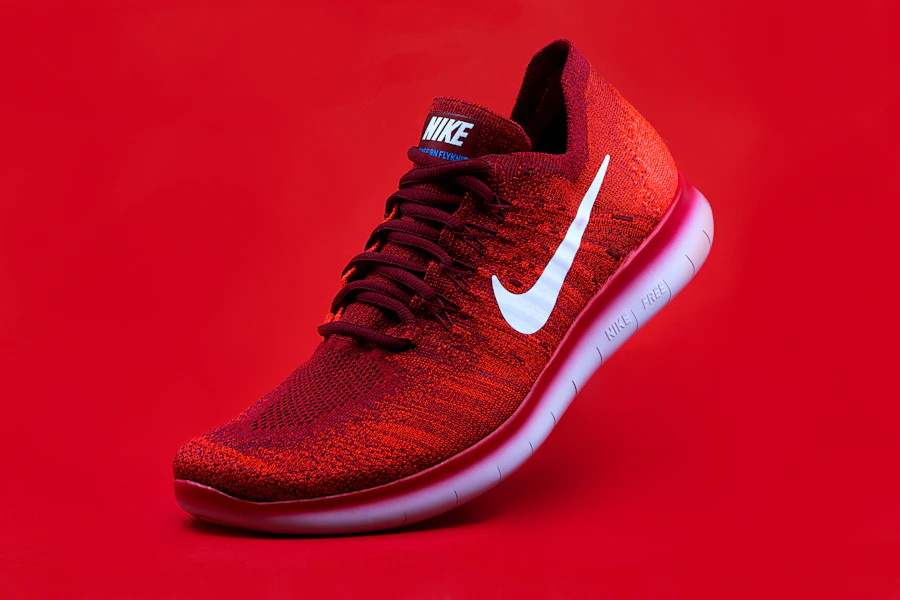
Preview sneaker reference
Preview apparel reference
10preview categories
to start with

A discovery board—not another cluttered product table.

Search, visual prompts, category filters and QC context are designed to feel like one continuous browse.

01Product FindsBrowse discovery records →02CategoriesOpen the category map →03Product DetailsView the full product page →04SEO ArticlesRead search-intent guides →05Image & QCUse the visual workspace →06Buying GuideLearn the research flow →
PikoBuy spreadsheet

Take a closer look.

Everything below opens within the check site. The official PikoBuy page is only available as the last handoff from an individual record.

Browse by mood

What are you looking for?

Choose a direction. Each tile opens its matching category page inside this subsite.

FAQ

Questions before you open a product.

Clear context for browsing the local catalog, product imagery and the handoff to PikoBuy.

How are the prices shown on this board?

Catalog prices are displayed in USD by converting the recorded CNY amount at 6.69 CNY per USD. This gives a consistent way to compare preview records, but it is not a checkout quote. The original seller price, selected variant, domestic shipping and exchange rate can change before an order is processed, so the official PikoBuy page is the place to confirm the live amount.

Which images appear on a product detail page?

Every product page follows the same image order: the title, the product’s Weidian main image and switchable Weidian original-image thumbnails appear first. The continuous image stream immediately below is reserved for that product’s QC original photos, so source images and inspection evidence stay visually separate while remaining in one uninterrupted browse.

What happens when a product has no QC images?

Only when a record has no exported QC photos, the lower QC stream falls back to that same product’s Weidian images. The fallback is labelled in the page so it cannot be mistaken for warehouse QC. Images from another product are never used to fill an empty record.

Does a product record confirm live stock or final options?

No. This board is for discovery and comparison. A record does not confirm seller stock, the final colour or size, authenticity, delivery timing, duty or a final total. Before paying, check the original listing and then confirm the selected option, price and current terms on the official PikoBuy product page.

Practical buying guides

Read the important context before you order.

These are visible on the homepage as a practical introduction. The complete guides remain available on the SEO Articles page.

Article 01 · source-first workflow

How to use PikoBuy for Taobao, Weidian and 1688

Start with the original listing rather than a spreadsheet card: save the URL, title, seller images, exact option name, measurements and stated domestic delivery terms. This makes the item you want clear before any agent order is placed.

Treat the purchase, warehouse check and international parcel as separate decisions. When an item reaches the warehouse, compare visible colour, tags, piece count and obvious condition against the source listing. Submit an international parcel only after you know what you are keeping and have reviewed the shipping estimate for the destination.

Read the complete workflow →
Article 02 · QC, returns and shipping

How to read QC photos without guessing

QC photos are useful for visible checks, not a guarantee of authenticity, internal function, future condition or delivery outcome. Use them for concrete comparisons: left and right pair consistency, label placement, colour, measurements, stitching, accessory count and obvious marks.

If a decision depends on one detail, request or review a targeted close-up instead of assuming a wide photo answers it. Keep return and parcel decisions separate: the available route, billed weight, dimensions, duties and carrier timing need to be confirmed for the actual parcel and destination.

Read the complete QC and shipping guide →
Visual workspace

From a picture to a better question.

Image matching and QC references are shown as an honest preview workflow until a live product-data connection is configured.

Image-search preview

Start with an image.

Add a photo to test the local interaction. It remains inside this subsite and does not perform an off-site search.

Image received. Live visual matches are not enabled in this check build.
QC reference desk

See the context first.

QC references help you compare visible details. They do not guarantee stock, final condition, authenticity or delivery outcomes.

01Match the listing ID and selected variant.
02Look at visible construction and measurements.
03Review the official listing only when ready.
How this works

Make your next click more deliberate.

Browse a focused recordUse the visual board, category filters or a product ID to narrow the field without leaving this page.
Use QC information carefullyReference images can document visible details, but they are not a promise about a future order.
Verify at the official destinationOnly the final PikoBuy product handoff is external, so live options and terms can be checked at the appropriate time.